FIND QUALIFIED AND RELIABLE WORKERS FOR YOUR CONSTRUCTION JOBS
Disaster Relief
General
Commercial
Industrial
General Cleanup Labor
General Construction Labor
Interior Finishing
Carpentry
Masonry Concrete
Backed by Industry Experience
Proof We Deliver
93%
of employers re-hire FlexCrew workers
70%
Faster fill rates
<2%
No-show rate
Businesses
Workers
Fill your shifts in a few clicks
1. Build Your Company Profile
Create a detailed profile for your company to enhance visibility and attract skilled workers aligned with your needs.
2. Post Job Opportunities
Easily publish job details to attract the best talent for your projects. Customize posts to specify roles, skills, and timelines.
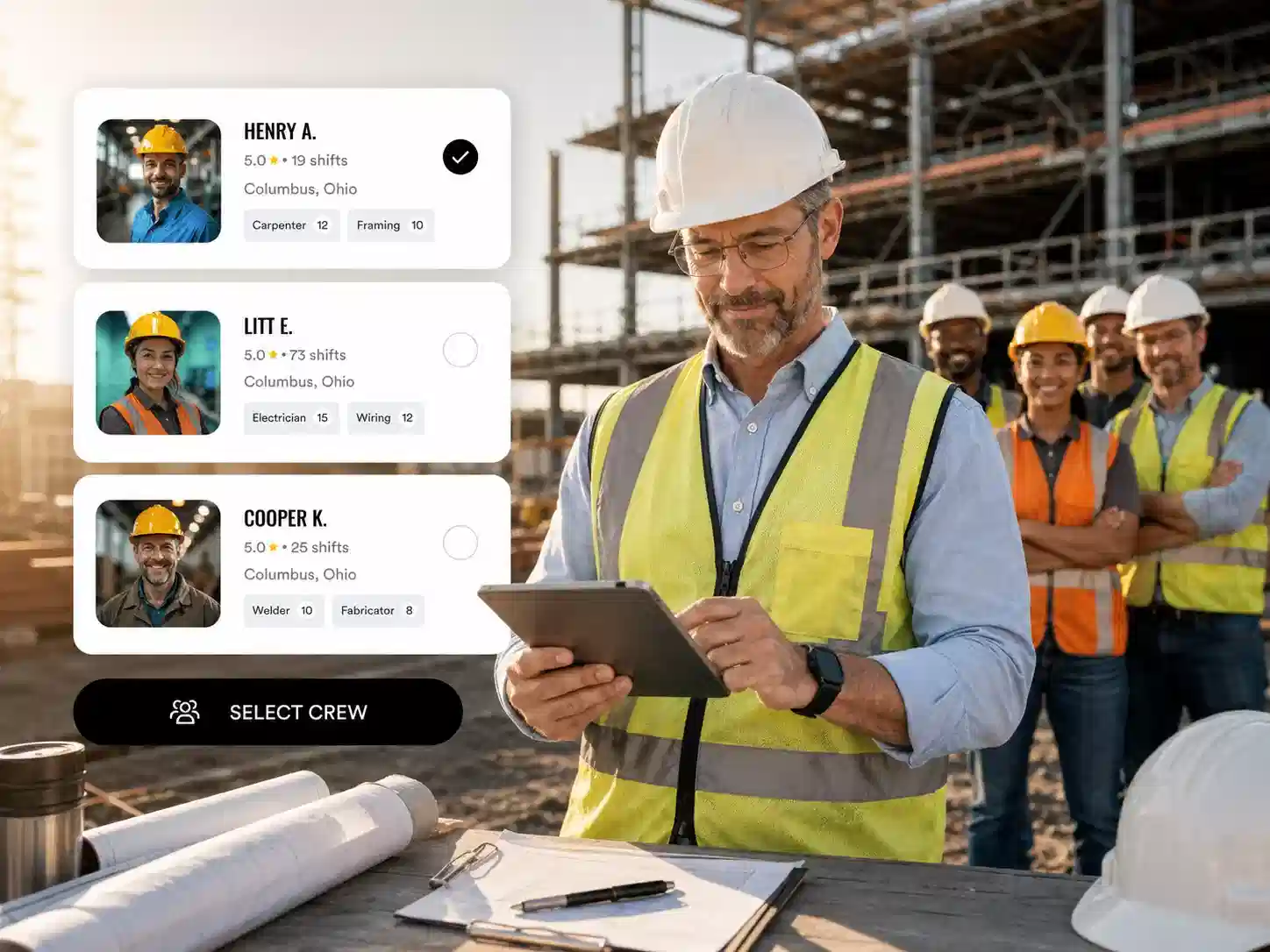
3. Select Your Preferred Crew
Review worker profiles, skills, and ratings, and select the ideal candidates for your job.
4. Receive Worker Applications
Get real-time notifications when qualified workers show interest in your job postings.
5. Hire and Begin Work
Choose the best-suited workers for the role and commence your project efficiently.
6. Stay Updated on Job Progress
Receive timely updates and notifications about job status, worker activities, and any changes.
7. Flexible Payment Options
Choose between weekly pay, end-of-work payments, or bi-weekly payments to ensure smooth and reliable compensation for your crew.
Are You a Skilled Worker? Join Us!
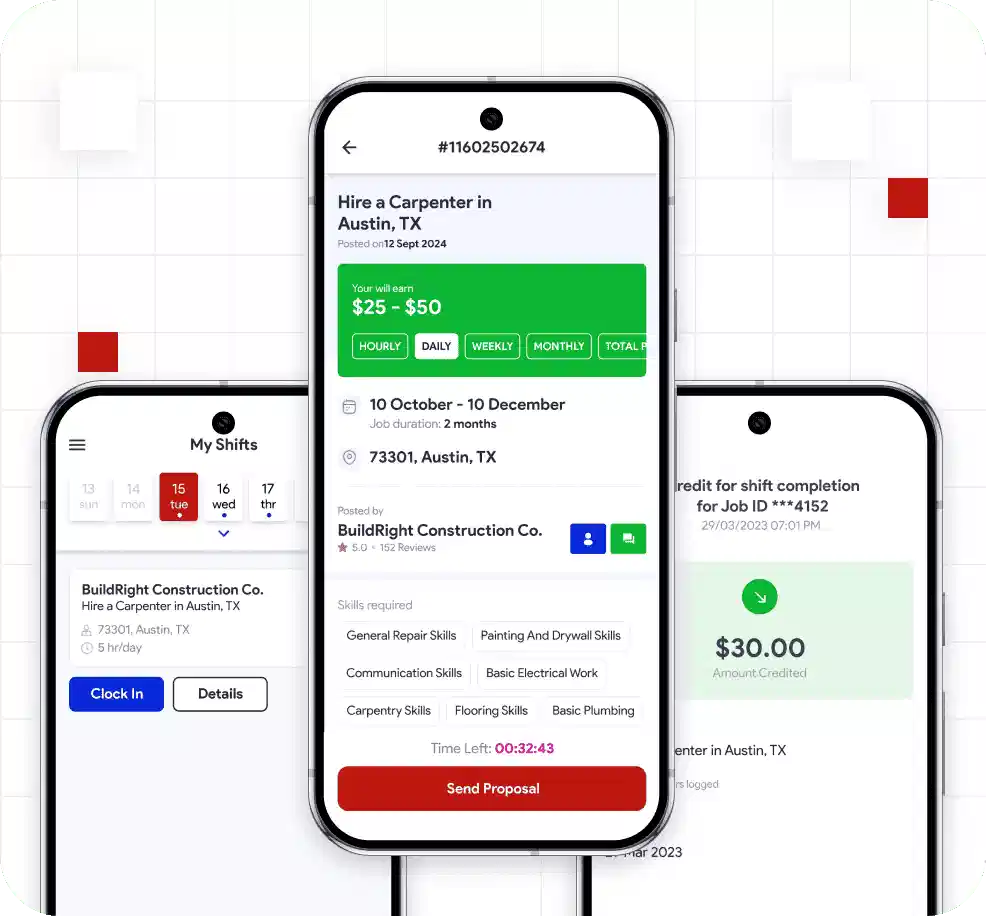
Download our app to connect with clients, manage your bookings, and grow your business. Available for Android and iOS.
Scan to download
iOS & Android
REAL TALK FROM THE FIELD
Using FlexCrew, we staffed 12 demolition workers in under 24 hours after a hurricane in Tampa. Saved our ops team over 40 hours in coordination.
Operations Director
Disaster Recovery Firm
FlexCrew has been relentless in helping us find skilled, local masons and laborers for projects. As our workload grows across the state and beyond, we’ll keep turning to FlexCrew.
Adrian Newis, CME, Director
Masonry Division, Blum Masonry
The pre-vetted workers saved us countless hours. No more guesswork—just skilled labor ready to work when we need them.
Site Supervisor
Residential Builder
Using FlexCrew, we staffed 12 demolition workers in under 24 hours after a hurricane in Tampa. Saved our ops team over 40 hours in coordination.
Operations Director
Disaster Recovery Firm
Latest news from construction industry
View More
Serving workers and businesses across the United States
Loading animation...
Frequently Asked Questions
1. How do I post a job?
To post a job, log into your FlexCrew employer account, click on "Post a Job," fill in the job details such as title, description, required skills, pay rate, and location, and then publish it for workers to see.
2. How can I find workers with specific skills?
FlexCrew offers a filter feature where you can select the skills you’re looking for in workers. This helps you easily find the right match for your job requirements.
3. How do I communicate with a worker?
You can use the built-in chat feature within the app to connect with potential candidates, clarify job details, and negotiate rates.
4. How does payment work?
Employers can choose from weekly pay, end-of-job pay, or bi-weekly payments for completed shifts. Payments can be managed securely through our integrated system.
5. Can I cancel a job after posting?
Yes, you can cancel a job posting through the "Job Details" section as long as you have not hired a worker for the role. If you are chatting or negotiating with any interested applicants, it is important to notify them before cancellation to maintain a good rating and provide a positive user experience.
6. How do I edit or update a job posting?
To edit an existing job,select the job you want to update, go to the “job details” section, click on “Edit Job”, make the necessary changes, and save. Updates will be reflected immediately.
7. How can I review worker profiles and ratings?
When you receive applications or proposals, you can view worker profiles, past work history, and ratings given by other employers to make an informed hiring decision.
8. What happens if a worker cancels?
If a worker cancels their engagement, you will receive a notification and can re-open the job posting to find a replacement quickly.
9. Can I offer feedback or rate a worker?
Yes, after a job is completed, employers can leave feedback and rate workers based on their performance. This helps maintain a trustworthy community and aids others in making decisions.
10. How do I update my company information?
To update your company profile, payment details, or any other information, go to your account settings and make the necessary changes. If you need additional assistance, you can always reach out to FlexCrew's support team ([email protected]) for help.